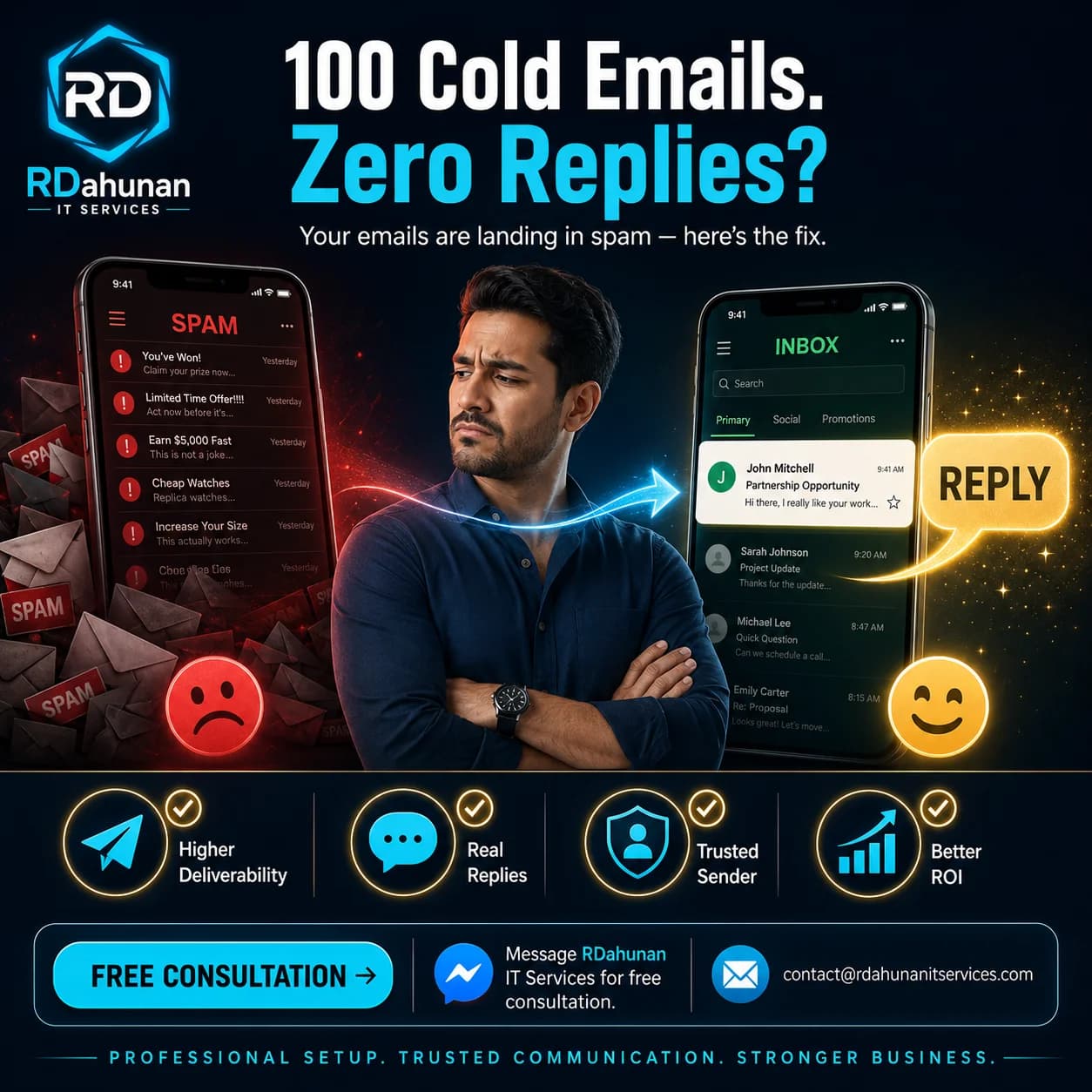
You spent an hour writing the perfect cold email. Sent it to 100 prospects. Got zero replies.
The problem is almost never your message. It is that 80% of those emails never reached a human inbox — they landed in spam, promotions, or got silently dropped by Gmail.
Cold email is a technical problem before it is a copywriting problem. Here are the 5 fixes that every Philippine business needs to put in place before the first send.
The 5 Fixes That Actually Move Deliverability
Fix 1 — Set Up SPF, DKIM, and DMARC on Your Domain
These are three DNS records that prove to Gmail and Outlook that your emails really come from you, not an impersonator. Without them, Gmail aggressively filters everything as suspicious.
- SPF (Sender Policy Framework): lists which mail servers can send from your domain
- DKIM (DomainKeys Identified Mail): signs every email with a cryptographic signature
- DMARC (Domain-based Message Authentication): tells receivers what to do if SPF/DKIM fail
If you use Google Workspace, the setup wizard handles all three automatically. If you use cPanel or shared hosting, follow your provider's "email authentication" guide. Verify the setup at mxtoolbox.com.
This single fix moves deliverability from ~30% to ~75% on most domains.
Fix 2 — Warm Up Your Sending Domain
A brand-new domain that suddenly sends 100 emails on Day 1 looks exactly like a spam farm to Gmail. Domains need to be "warmed up" — sending gradually increasing volumes over 2 to 4 weeks.
The warmup pattern:
- Week 1: 5 to 10 emails per day to known contacts (friends, family, your own other accounts)
- Week 2: 15 to 25 emails per day, replies and engagement encouraged
- Week 3: 30 to 50 emails per day, mix of cold and warm
- Week 4: 50 to 100 emails per day, ramp to operational volume
Use a warmup tool like Mailwarm, Warmup Inbox, or Mailreach to automate this. They send real-looking conversations to other warmup inboxes that reply, mark as important, and remove from spam.
Fix 3 — Send From a Real Person, Not "info@" or "noreply@"
Cold emails that come from real names (e.g., yourname@yourbusiness.com) get 3 to 5x more replies than info@, sales@, or hello@. They also clear spam filters more easily because they look like one-to-one conversations, not bulk marketing.
If your team is small, use your own email. If you have multiple people, give each one their own sending address.
Fix 4 — Personalize the First Line, Not Just the [Name]
Every cold email starts with "Hi [name]." Spam filters know this. The first line — what shows in the preview — must be specific to the recipient. Not just their name.
Good first line: "Saw your recent post about the new Mandaue branch — congrats on the expansion."
Bad first line: "I hope this email finds you well."
Tools like Apollo, Instantly, and Lemlist support personalization variables tied to LinkedIn, recent news, or scraped data so you can scale this without writing every email by hand.
Fix 5 — Send Plain Text, Not HTML, From a Slow Cadence
Most cold-email tools default to fancy HTML formatting with tracking pixels. Gmail's spam algorithm hates both.
- Send as plain text (no images, no fancy fonts, no tracking pixels in the first email)
- Cadence: no more than 30 to 50 emails per day per inbox
- Spread sends across business hours (not 200 at midnight)
- Take weekends off — humans do not send 100 cold emails on Sunday at 3 AM
If you need volume, rotate across multiple sending addresses. Never blast from a single inbox.
How to Test Your Setup Before Real Sends
Use mail-tester.com — send one email to the unique address it gives you, and within 30 seconds it returns a deliverability score out of 10.
- 10/10: ready to send at scale
- 7-9/10: minor improvements needed
- Under 7: do not send to real prospects yet
Other useful tools:
- mxtoolbox.com — checks SPF, DKIM, DMARC records
- glockapps.com — sends a test email to dozens of inboxes (Gmail, Outlook, Yahoo) and shows where each landed
Common Cold Email Mistakes Beyond Spam Filters
Even with perfect deliverability, these kill replies:
- Subject lines over 10 words
- Multiple links in the first email
- Attachments in the first email
- Word "free" anywhere in subject or first line
- Asking for a meeting in the first email instead of starting a conversation
- Sending the same email to your boss, employees, and family in the same campaign
The Honest Reality of Cold Email in 2026
- Reply rates of 8-15% are excellent
- Reply rates of 2-5% are normal
- Reply rates under 1% mean something is broken (almost always deliverability)
If you fix the 5 technical issues above, most Philippine SMEs see reply rates jump from 0.5% to 5-10% without changing a word of their message.
Frequently Asked Questions
Can I do this with my regular Gmail account?
Free Gmail (@gmail.com) is hard to use for cold email at scale. Use Google Workspace ($6/user/month) with your custom domain. Cleaner, more deliverable, more professional.
How long does proper setup take?
DNS records: 30 minutes plus 24-48 hours for propagation. Warmup: 2-4 weeks. Total cold email readiness: roughly one month from zero.
What if I have no list of prospects yet?
Building the list is a separate problem — we covered the basics in our Email List Building From Zero article. Cold email is for prospects you already have a list for.
Need Help Getting Cold Email Right?
We help Philippine SMEs set up email infrastructure, DNS records, warmup, and cold outreach campaigns at RDahunan I.T. Services. Want a free 30-minute deliverability audit of your current setup? Send us a message.