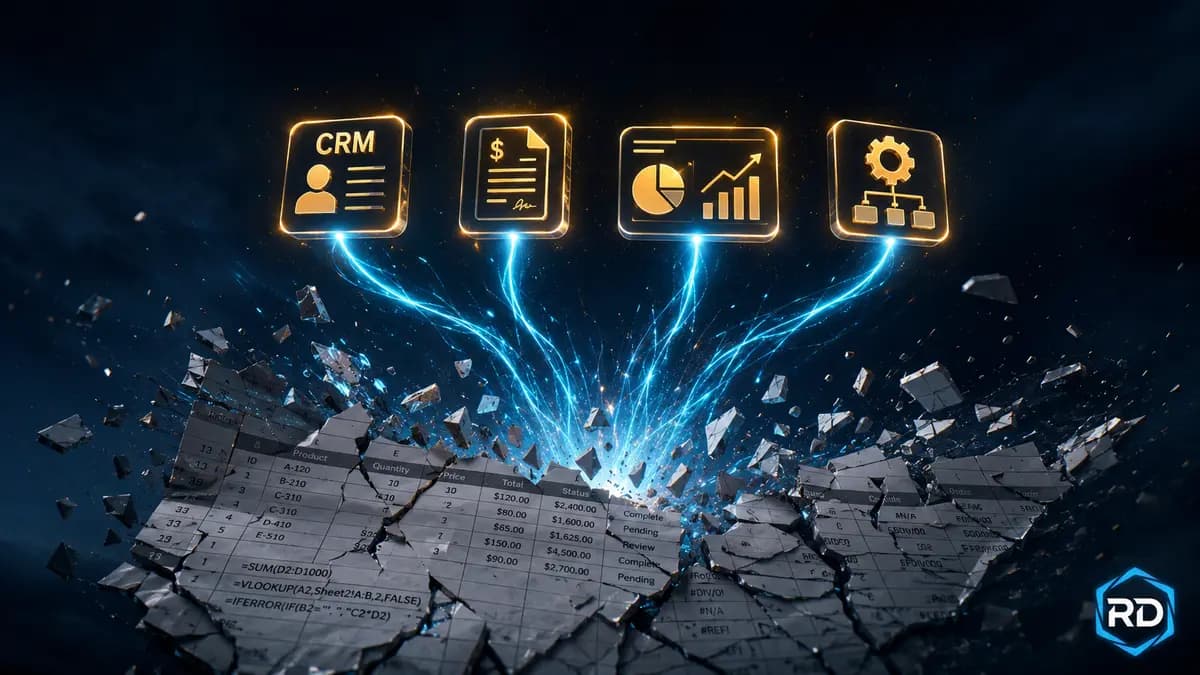
There is nothing wrong with Excel or Google Sheets. They are the most flexible business tools ever invented, and almost every Philippine SME runs on them at some stage. The problem starts when you stop using them as flexible tools and start using them as the spine of your business.
Spreadsheets break in three ways no one warns you about: they corrupt silently when shared, they hide errors until tax season, and they are nearly impossible to audit when something goes wrong.
Here is how to know when you have outgrown them — and what to switch to.
The 7 Warning Signs You Have Outgrown Spreadsheets
1. You Have More Than One Person Editing the Same File
The moment two people are editing inventory, sales records, or customer data in the same workbook, version conflicts begin. By month six you have three copies named "FINAL," "FINAL FINAL," and "USE THIS ONE."
2. You Keep Forgetting Which Tab Is the Current One
If a single workbook has 15+ tabs and you frequently open the wrong one, you have outgrown spreadsheets. Real software has search and structure.
3. Your VLOOKUP Formulas Take More Than 5 Seconds to Recalculate
A spreadsheet that lags every time you type is a spreadsheet on its last legs. The underlying data is too big for the tool.
4. You Re-Enter the Same Data in Two Places
If a sale gets keyed into a Shopee dashboard AND a Google Sheet, you are paying yourself for duplicate work and creating two sources of truth. We covered this exact problem in our Stop Encoding Twice article.
5. You Cannot Tell Who Changed What and When
Spreadsheets remember nothing. If a stock count or customer number is wrong, nobody can say who edited it last or why. Real software has audit trails.
6. You Are Filtering and Sorting the Same Way Every Day
If you start every morning by re-applying the same filters and sorts, you have outgrown the format. Real software remembers your views.
7. You Are Afraid to Touch the File
When the spreadsheet has become so complex that you do not want to open it for fear of breaking something, the spreadsheet is now in charge of your business — not the other way around.
What to Switch To (Per Function)
You do not have to migrate everything at once. Pick the spreadsheet that hurts the most and replace that one.
For Customer & Lead Tracking → A Real CRM
HubSpot CRM (free), Zoho CRM (cheap), or Bitrix24 (free) replace customer spreadsheets in an afternoon. You get search, filtering, deal pipelines, and email integration out of the box.
For Inventory → Inventory Software
Sortly, Zoho Inventory, or even a Notion database with a clean structure beats an Excel inventory sheet — especially when multiple people need to update stock from their phones.
For Bookkeeping → Wave or Xero
Wave is free, sends professional invoices, tracks expenses, and generates Philippine-tax-compatible reports. Xero is paid but worth it for businesses with employees and BIR Form 1701/1702 filings.
For Project Tracking → ClickUp, Notion, or Trello
Project columns in spreadsheets ("Status," "Owner," "Due Date") are exactly what tools like Trello and ClickUp were built for — with notifications, deadlines, and assignments your team actually sees.
How to Migrate Without Breaking Your Business
- Pick ONE spreadsheet to migrate first — usually customer data or invoicing.
- Export the spreadsheet as CSV.
- Import it into the new tool's "Import from CSV" feature (every modern tool has one).
- Run the new tool in parallel with the spreadsheet for two weeks. Compare numbers.
- Once you trust the new tool, archive the spreadsheet. Do not delete it for at least 90 days.
Frequently Asked Questions
Can I keep using Excel for some things and software for others?
Yes — and most successful PH SMEs do. Use software for the spine of your business (customers, inventory, bookkeeping). Keep Excel for ad-hoc analysis and one-off models.
How much does the switch cost?
Most CRM, inventory, and bookkeeping tools have generous free tiers. You can switch the spine of a small business to free or near-free software with zero monthly cost.
What if my team only knows Excel?
The newer tools are designed to look familiar. The transition takes a couple of weeks of light training. The productivity gain pays back in the first month.
Need Help Picking the Right Tools?
At RDahunan I.T. Services we help Philippine SMEs map their workflows, pick the right tools, and migrate from spreadsheets without losing data. Send us a message for a free 30-minute workflow review.